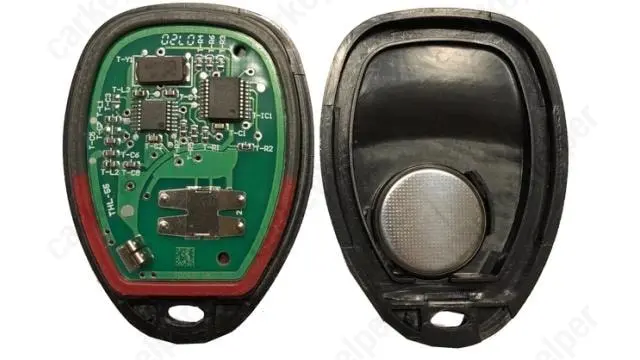

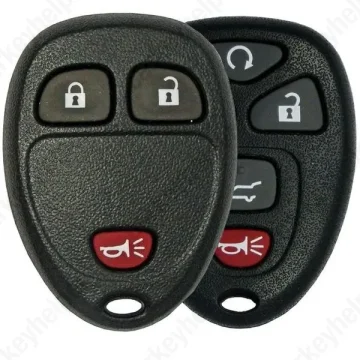
Hummer H2 2006 Remote Key
GM Remote OUC60270
Overview
Key Type
Remote Key
Markets
USA
Frequency
315 MHz
Battery
CR2032
Skill Level
Beginner
Universal Keys
Xhorse ID 0541 848
Test passed
KeyDiy ID R00354
Test passed
Original Keys
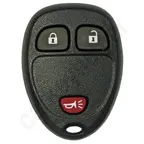
OUC60270 3Buttons
Direct Programming to another vehicle
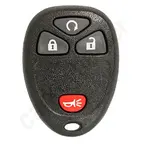
OUC60270 4Buttons w/ Remote Start
Direct Programming to another vehicle
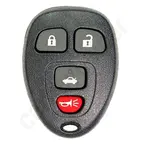
OUC60270 4Buttons w/ Trunk release
Direct Programming to another vehicle
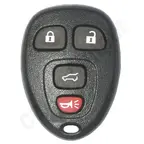
OUC60270 4Buttons w/ Power door release (back gate)
Direct Programming to another vehicle
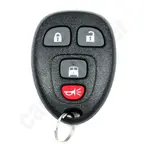
OUC60270 4Buttons w/ Rear van door
Direct Programming to another vehicle
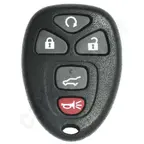
OUC60270 5Buttons w/ Remote Start, Power door release (back gate)
Direct Programming to another vehicle
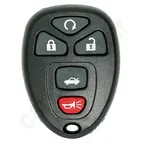
OUC60270 5Buttons w/ Engine Start, Trunk release
Direct Programming to another vehicle
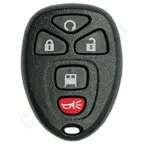
OUC60270 5Buttons w/ Engine Start, Rear van door
Direct Programming to another vehicle
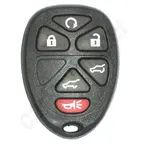
OUC60270 6Buttons w/ Remote Start, Power door release (back gate), Glass hatch release
Direct Programming to another vehicle
Overview
Add key
OBD
All keys lost
OBD
Prepare dealer key
Not specified
Remote programming
Manual
All keys erased automatically
Not specified
Power supply
Not specified
Additional cables required
Not specified
Number of key slots
4
Key Programming via OBD
General Instructions
- First, try manual programming. OBD programming is only available on some 2011+ models.
Remote Manual Programming
ROCEDURE #1
THIS PROCEDURE IS FOR VEHICLES WITH THE DRIVER INFORMATION CENTER. IT WILL BE A BUTTON TO THE RIGHT OF THE STEERING WHEEL WITH A VEHICLE ICON AND THE LETTER i.
- Insert key and switch the ignition ON (just shy of starting vehicle without cranking engine)
- Press vehicle information button until PRESS TO RELEARN REMOTE KEY is displayed.
- Press the set/reset button (button will have a check mark) until REMOTE KEY LEARNING ACTIVE is displayed. Vehicle is now in programming mode.
- Press and hold LOCK and UNLOCK buttons at the same time on first remote for approximately 15 seconds. An acoustic signal will be heard indicating successful programming.
- Repeat step 4 to program additional remotes. You can have up to 8 programmed remotes for this vehicle. You must program ALL remotes including existing remotes.
- To exit programming mode turn ignition OFF, remove key and test all remotes.
PROCEDURE #2
THIS PROCEDURE IS FOR VEHICLES WITHOUT THE DRIVERS INFORMATION CENTER.
- Insert key into the ignition and turn to ON (Just shy of starting vehicle without cranking engine).
- Press the trip odometer reset button until RELEARN REMOTE KEY is displayed.
- Press and hold the trip odometer reset button for approximately 3 seconds until REMOTE KEY LEARNING ACTIVE displays.
- Press and hold LOCK and UNLOCK buttons at the same time on first remote for approximately 15 seconds. An acoustic signal will be heard indicating successful programming.
- Repeat step 4. to program additional remotes. You can have up to 8 programmed remotes for this vehicle. You must program ALL remotes including existing remotes.
- To exit programming mode turn ignition OFF, remove key and test all remotes.
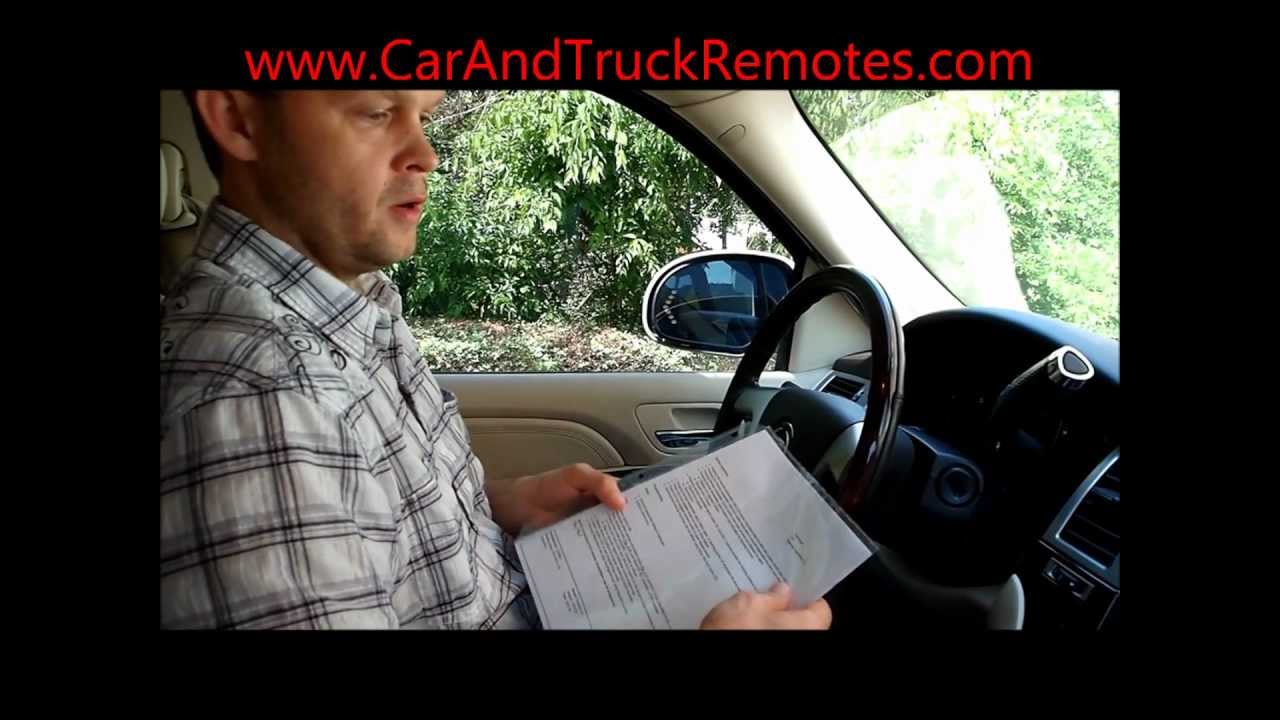
Cadillac, Chevy, GMC, Buick, Hummer H2 Keyless Keyfob Remote Programming 2007 and up.wmv
Video by carandtruckremotes
Programmers
Autel
Remote Programming
Smart Pro
Remote Programming
Xhorse
Remote Programming
TDB1000
Not supported
Overview
Double locked
Not specified
Opening direction (LHD)
Not specified
Decoder capability
Not specified
Overview
Original key glued
No
Synchronizing
No
Repair Instructions
- Separate remotes do not house immobilizer chips.
- There is no need to synchronize or reprogram the key after replacing the battery.
Media

Shell and battery change
Circuitboard
OUC60270 OUC60221 PCB